
Check contractor laptops without managing them.
With PosturePass, your team can check encryption, antivirus, firewall, software updates and screen lock on contractor laptops you don't manage.
You keep using Microsoft Entra to control access to Microsoft 365 and Windows 365.
PosturePass doesn't enroll the laptop in MDM or let anyone control it remotely.
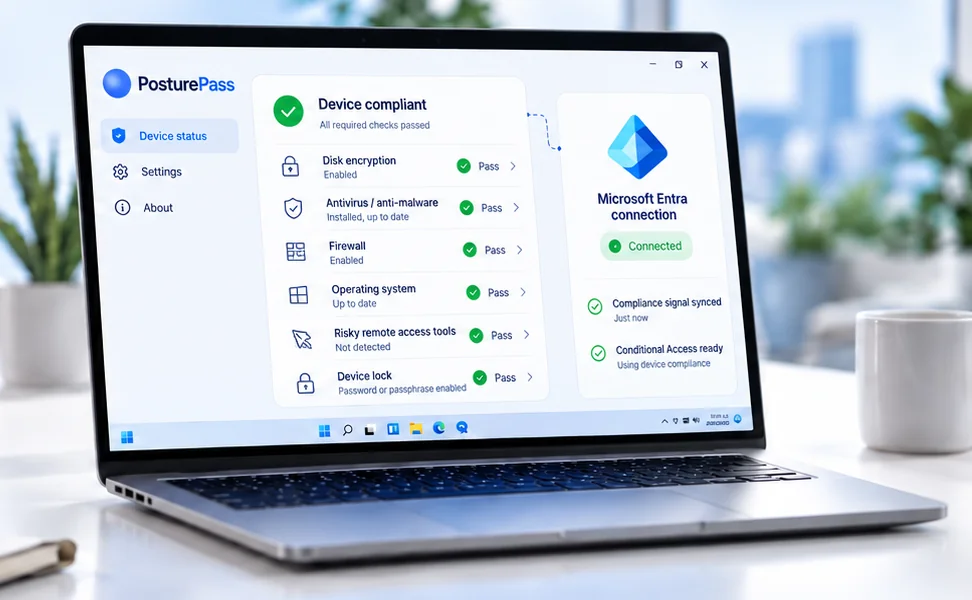
 Works with Microsoft Entra
Used by contractors from






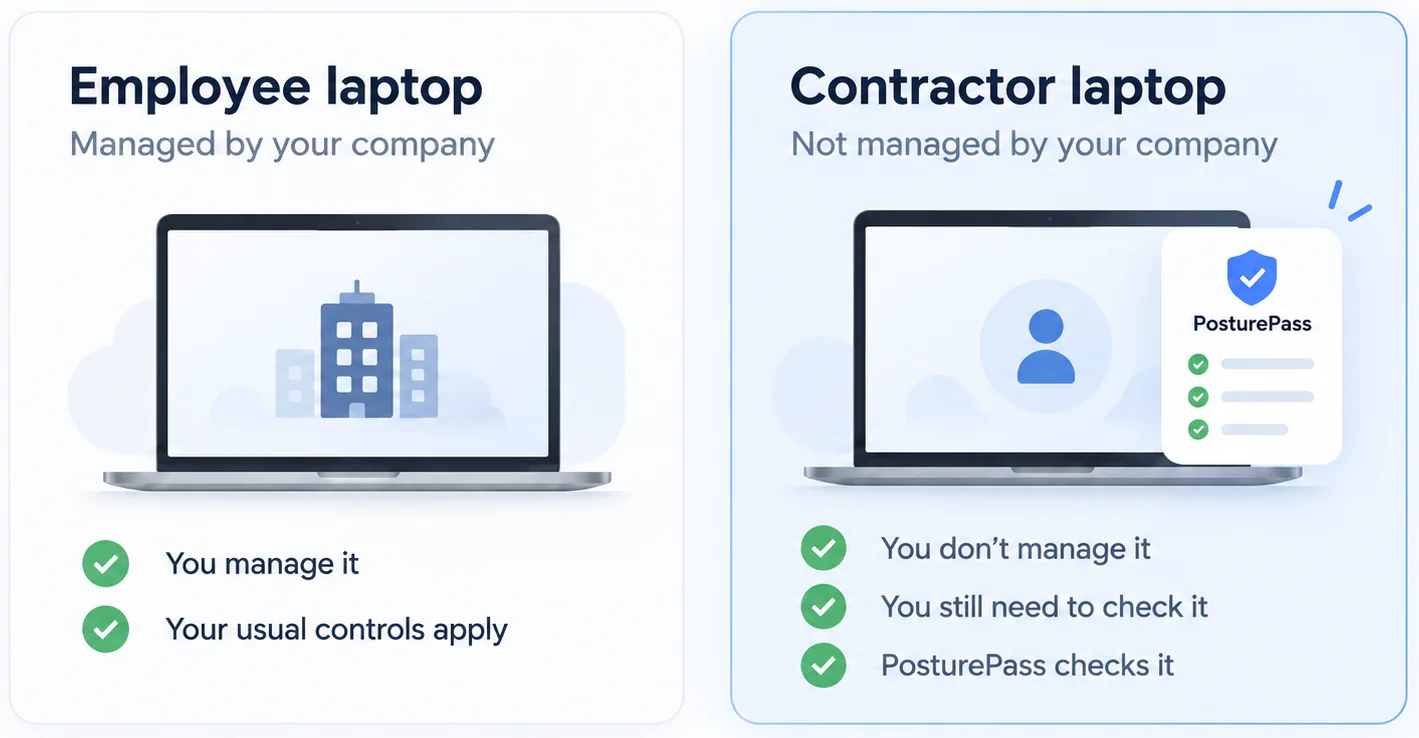
Your employees use laptops you manage. Your contractors don't.
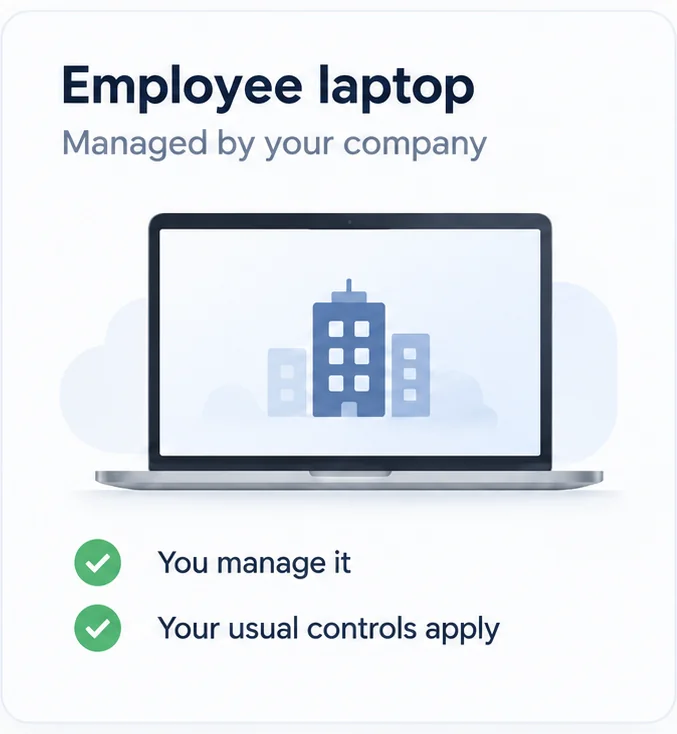
You already manage employee laptops.
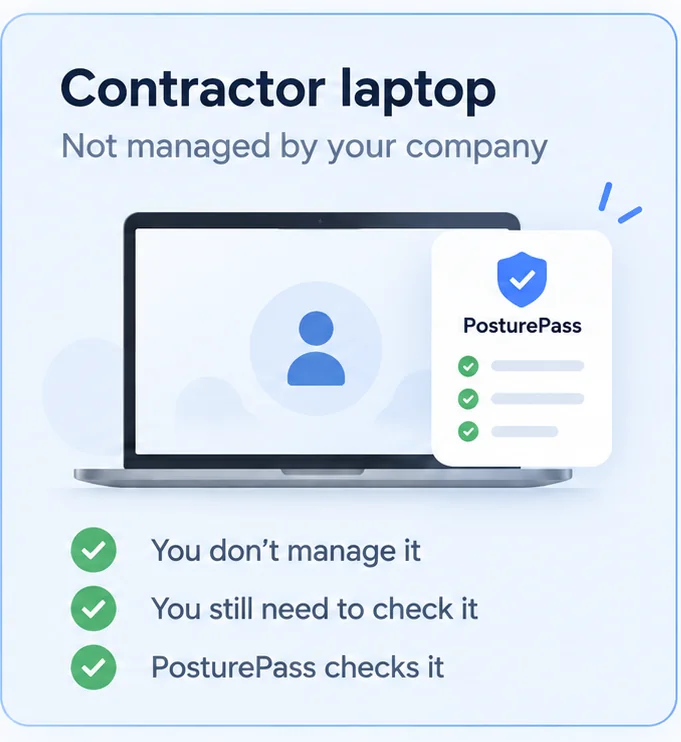
Contractors use laptops owned by them or managed by their employer. You still need to know whether those laptops meet your security requirements before they access your applications.
PosturePass lets you check the laptop without taking over its management.
How PosturePass works
Sign in as usual
The contractor signs in to Microsoft 365 or Windows 365 the same way they normally would.
They don’t need to open PosturePass.
Check the device in the background
The required security settings are checked, including encryption, antivirus, firewall, updates and screen lock.
Your team gets the result in Microsoft Entra.
Keep using your existing access rules
You keep using the Microsoft Entra access rules you already have.
If the device meets your requirements, the contractor continues as normal. If something fails, they see what needs fixing.
Your team also gets a record of each check, including what was checked, when it was checked and the result.
The contractor experience
If a check fails, the contractor can see why.
If something is wrong, the contractor sees which setting failed and how to fix it.
After fixing it, they run the check again.
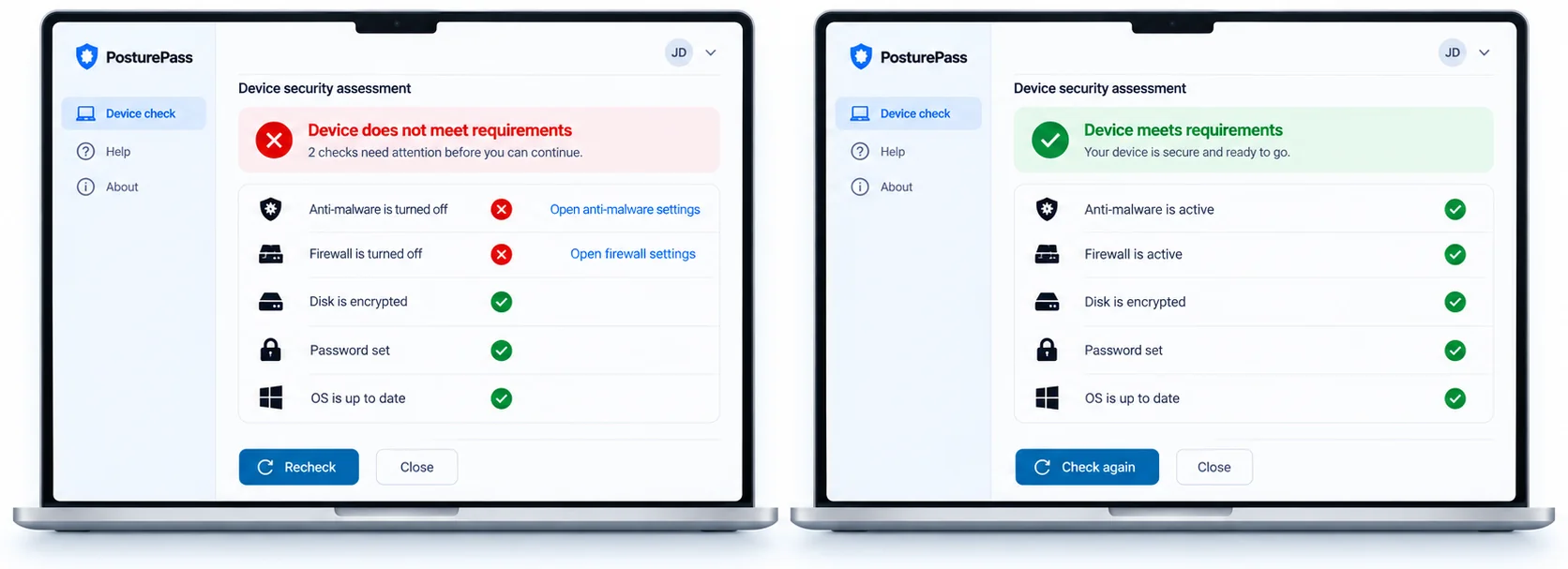
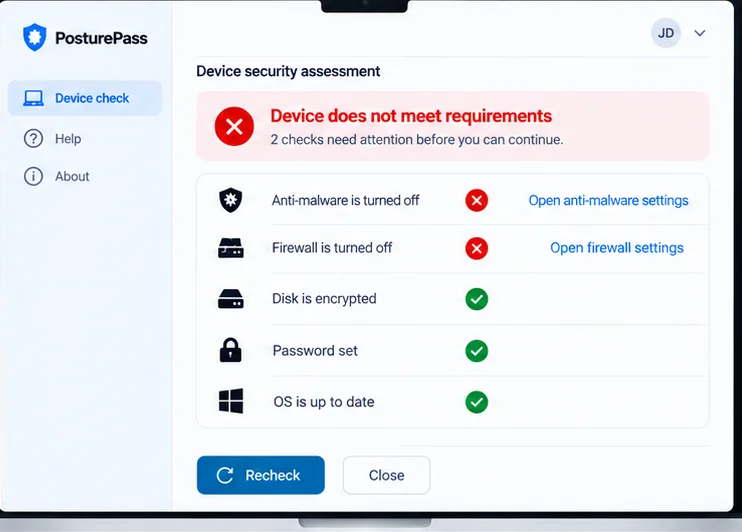
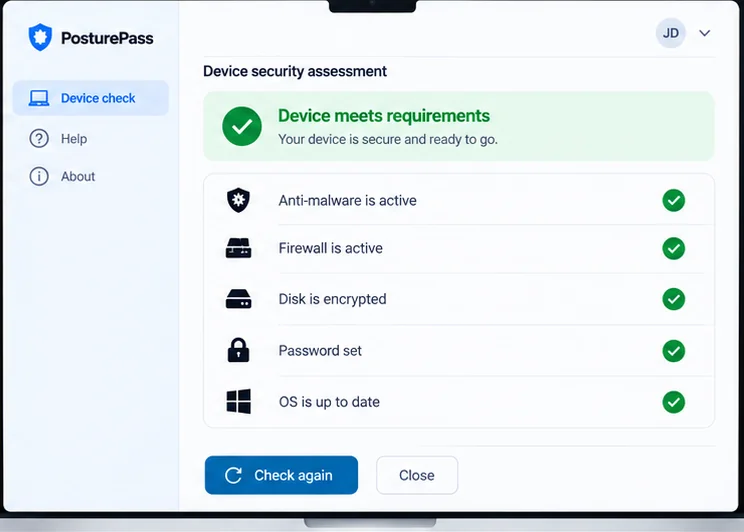
Check the security settings you need, without taking over the device.
What you can check
PosturePass checks the security settings you care about before the contractor accesses your applications.
- Encryption
- Antivirus
- Firewall
- Software updates / operating-system status
- Screen lock or password requirement
- Remote-access tools
What you don't get access to
- Personal files
- Browsing activity
- Keystrokes
- Screenshots
- Remote control of the device
- MDM enrollment
PosturePass does not wipe, lock or remotely control the contractor's device.
Customer-reported results
How a regulated U.S. company in the insurance industry moved 2,000+ contractors off VDI and into Microsoft 365
The migration took eight weeks and was completed in February 2025.
Common questions
Using a virtual desktop mainly to control contractor access? See how PosturePass fits into a Microsoft 365 or Windows 365 environment.
Want to learn more?
Book a 30-minute demo with our team.