
How PosturePass works
Contractors install PosturePass once, then sign in to Microsoft 365 or Windows 365 as usual.
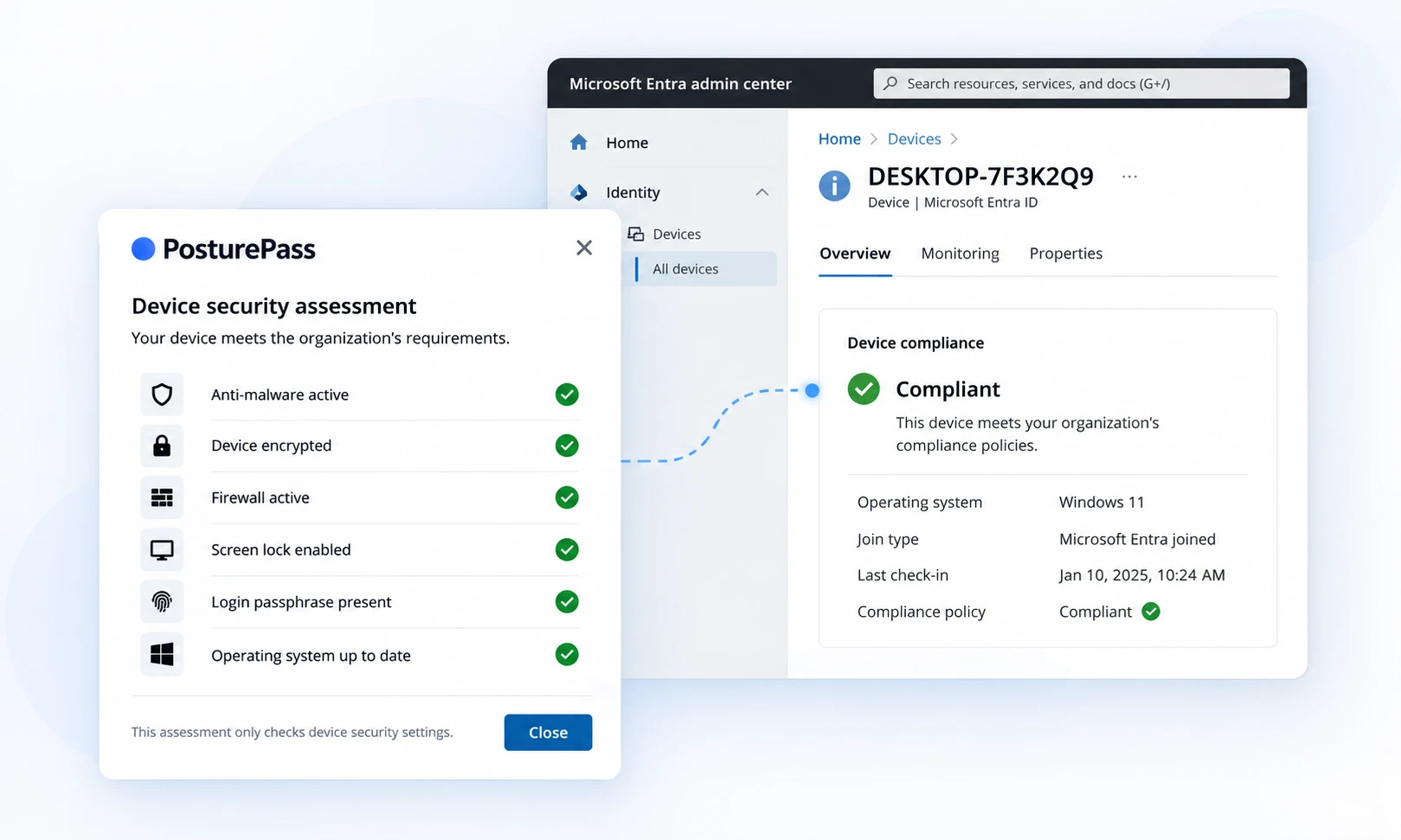
We check the laptop's security settings in the background and report the result to Microsoft Entra. You keep using your existing Conditional Access rules.
From device check to access decision
Contractor laptop
PosturePass runs in the background
Ensure service
Receives and reports the check result
Microsoft Entra
Device compliance status
Conditional Access
Device status plus your other conditions
Access allowed
Access blocked
- 1
Install once, then sign in as usual
Contractors install PosturePass once. After that, they sign in normally without opening the app.
- 2
Check the device in the background
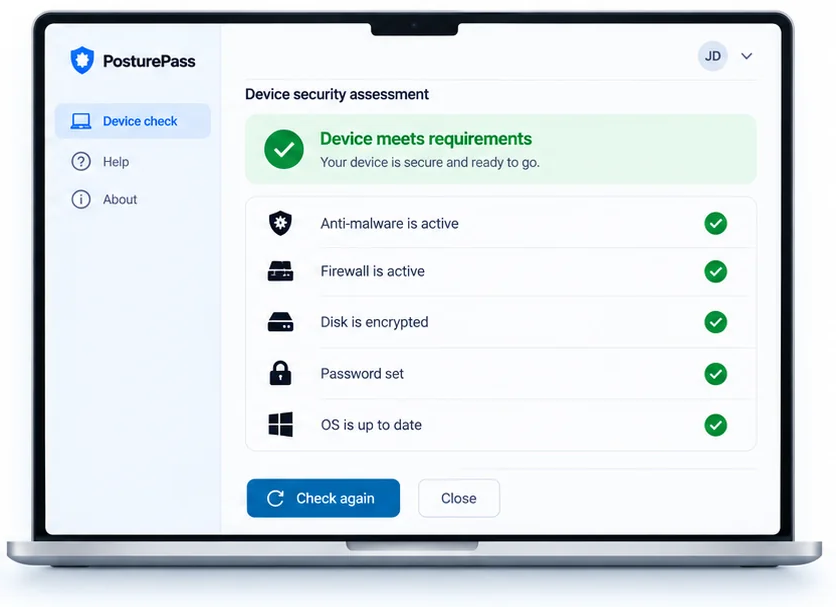
PosturePass checks the required security settings. The Ensure service reports the result to Microsoft Entra.
- 3
Keep using your existing access rules
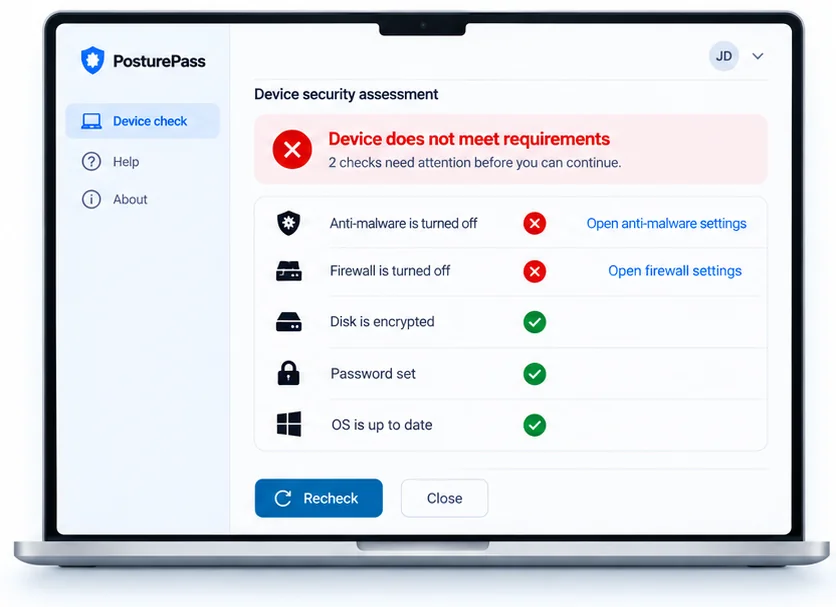
Your Conditional Access rules still control access. If a check fails, the contractor sees what needs fixing.
What security settings can you check?
You choose the security requirements contractors need to meet. PosturePass checks the relevant settings without enrolling their laptops in your device management.
Disk encryption
Check whether the device's storage is encrypted, including supported encryption solutions such as BitLocker and FileVault.
Antivirus and anti-malware
Check whether supported antivirus protection is installed, enabled and working as required.
Firewall
Check whether the device's firewall is enabled.
Operating system and updates
Check the operating system version and whether the device meets your software-update requirements.
Screen lock and password
Check whether the device meets your screen-lock and password requirements.
Remote-access tools
Check for specified remote-access software restricted by your organization's security policy.
The available checks depend on the operating system and your configuration.
Checks and installation detailsIf a check fails, the contractor can see why.
If a check fails, the contractor sees which setting needs attention and how to fix it. Once it's fixed, they run the check again.
The laptop stays under the contractor's control
PosturePass does not access personal files, browsing activity, keystrokes, screenshots.
PosturePass does not wipe, lock or remotely control the contractor's device.
What your team can see
Microsoft 365 and Windows 365
For Microsoft 365, you can use the device compliance result with your existing Conditional Access rules.
For Windows 365, you can check the physical laptop a contractor uses to connect to their Cloud PC.
PosturePass also works with Okta.
Records of device checks
Your team can review which device was checked, when the check happened, which security requirements were evaluated and whether the device passed.
These records help your team show what was checked and when.
See how device-check records workCommon technical questions
See how PosturePass works with your Microsoft environment.
We'll show you what happens on a contractor's laptop, how failed checks are handled and what your team sees in Microsoft Entra.